
Skip to content
Cleaning Operator

Cleaning type

Software for domestic cleaning companies

Regular cleans run as a standing series, new customers book only the slots you can cover, and cards are saved at booking. Built only for cleaning companies, priced in pounds or dollars.

14-day free trial on every plan. Cancel anytime, no lock-in contract.

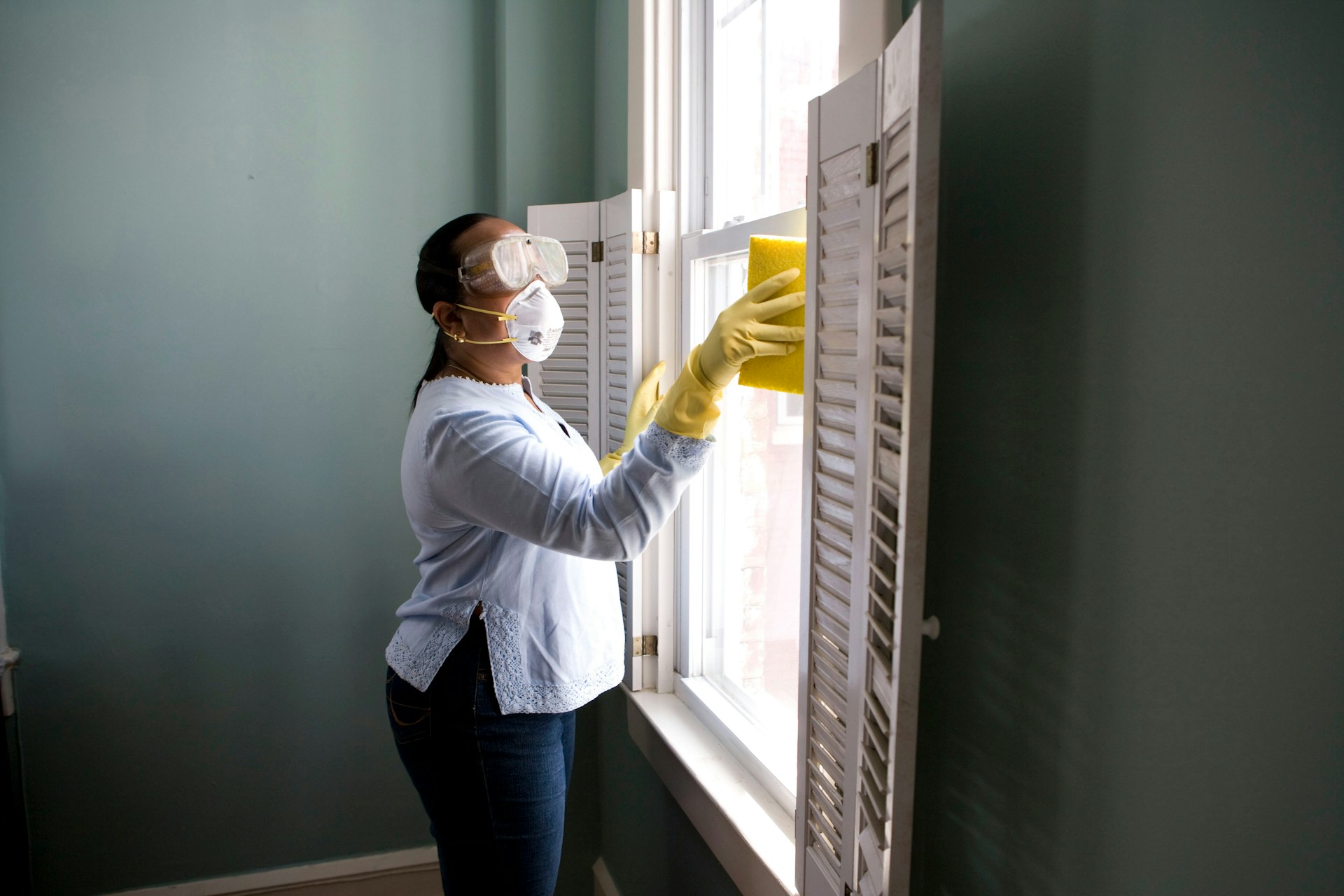
A woman in a white shirt sprays and wipes a window in a bright home interior
A window being cleaned in a family home
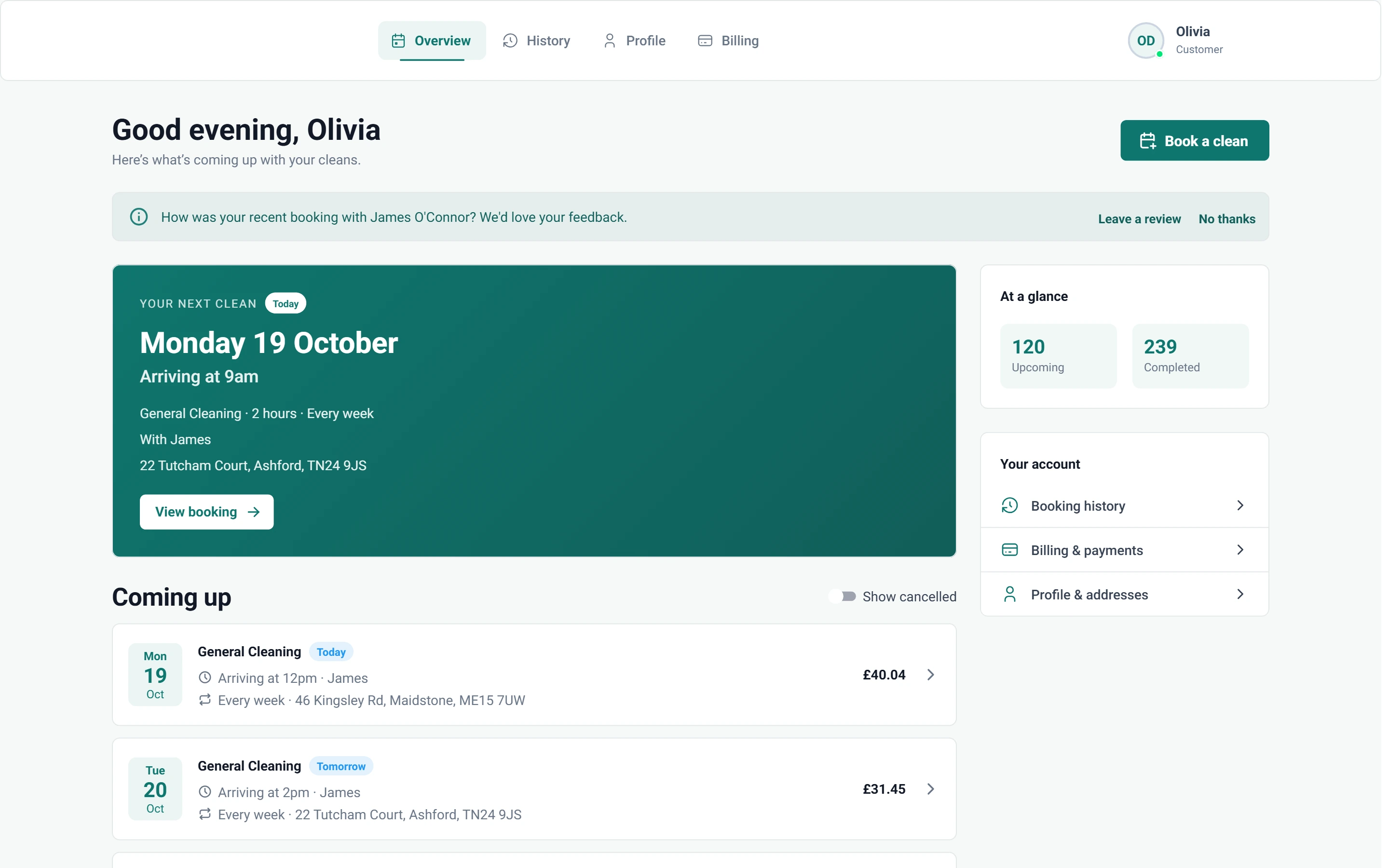
Screenshot of Customer portal — Overview

6 features from the reference

What changes for a domestic cleaning company.

Each problem and fix below is quoted from the feature reference. Domestic cleaning companies of every size use the same Cleaning Operator as every other cleaning company; these are the parts that matter most.

The problem

Fortnightly regulars live in my head, and new customers keep booking slots I have nobody free for.

With Cleaning Operator

Customers only see slots you can cover, because Smart mode hides times with no free cleaner. Regular cleans repeat weekly, fortnightly, monthly and more.

  • One-time, or weekly, bi-weekly, every 3 weeks, every 4 weeks, every 8 weeks, monthly, every 2 months, quarterly or yearly, as allowed for the service
  • Optional arrival window instead of a single clock time
  • Recurring discounts set on the service apply automatically to matching frequencies

The problem

A regular switches from Tuesdays to Thursdays and I'm editing every future visit one at a time.

With Cleaning Operator

Change the pattern once, on the standing series behind the visits. When only one visit moves, jump straight to it.

  • Open from Bookings → Recurring Series or from a customer profile
  • Edit the pattern or jump to a visit

The problem

Door codes and pet instructions get buried in WhatsApp, so cleaners ring me from the doorstep.

With Cleaning Operator

Access notes and pet instructions reach your cleaners on the day. Add them while booking, and choose which checklist applies to that job.

  • Special instructions reach the cleaner on the day
  • Staff can override the checklists for this job
  • Default checklists are set under Settings → Checklists

The problem

Nobody says how they'll pay until after the visit, then I'm chasing card details by text.

With Cleaning Operator

Payment is agreed before the clean, not chased after it. Customers choose cash or card while booking, and staff can send an add-card link or invoice.

  • Customers can choose Cash and/or Card; a saved card can be used or a card added during booking
  • Admin-only options add Card request (customer gets an add-card link) and Invoice
  • Card needs Stripe connected; cash can be marked paid after the visit

The problem

Every evening brings texts asking when the next clean is, or to swap the card on file.

With Cleaning Operator

Customers answer these questions themselves. They sign in to see upcoming visits, book again, update addresses, manage cards and look back at past cleans.

  • Pages: Overview, New Booking, History, Profile and Billing
  • Customers sign in on your subdomain
  • Dashboard access can be switched off; customers are then blocked when they try to log in

The problem

I never get round to asking for reviews, so my Google listing doesn't reflect the work we do.

With Cleaning Operator

Asking happens without you remembering. A private rating link follows each completed job, and a high rating brings up your Google review message.

  • Settings → Review Settings: Enable customer reviews, Send review request, and the Delay after the job
  • Minimum rating (1–5) before the follow-up message shows; the follow-up text is free text (for example “please review us on Google”)
  • A live preview of the customer form sits on the settings page

Booking → the day → paid

A regular clean, from the first booking to the charge.

  1. 01Booking

    A regular books weekly or fortnightly

    Customers only see slots you can cover, because Smart mode hides times with no free cleaner. Regular cleans repeat weekly, fortnightly, monthly and more.

    One-time, or weekly, bi-weekly, every 3 weeks, every 4 weeks, every 8 weeks, monthly, every 2 months, quarterly or yearly, as allowed for the service

    Booking → Schedule, availability and repeating jobs

  2. 02The day

    The cleaner has the notes and the checklist

    Everything for the visit sits on one screen: address, service, time, your notes, directions and the checklist, which can block clock-out until it's done.

    Checklists: ticks, photos and signatures; clock-out can be blocked until they are done

    Cleaner dashboard → Job details

  3. 03Paid

    The saved card is charged after the clean

    Everything owed sits together, split by card, cash and invoice. Charge in bulk, retry a failed card, refund or mark cash paid.

    Bookings → Charges, worked by Card, Cash or Invoice

    Payments → Charges workbench (admin)

Professional, from £59 / $79 a month

The plan for a domestic cleaning company.

For small cleaning teams getting bookings, the calendar and payments in one place. Every plan includes a 14-day free trial, and you can cancel anytime from billing.

Professional

For small cleaning teams getting bookings, the calendar and payments in one place.

£59 pounds per month$79 US dollars per month

Includes a 14-day free trial

cleaner accounts
8
office users
3
service category
1

Includes:

  • Bookings and recurring work
  • Day, week and month calendar
  • Card payments and invoicing
  • Mobile app with clock-in and job photos
Start free trial

Cancel anytime, no lock-in contract.

On Business, £119 pounds per month$149 US dollars per month a month

Everything in Professional, plus:

  • 20 cleaner accounts
  • 10 office users
  • 3 service categories
  • Team calendar views
  • Payroll
  • Pay split between cleaners
  • Recruitment
  • Website builder
  • SMS with your own Twilio keys

Customers, bookings and cleaners carry across when you move up.

Every plan includes

  • Bookings and recurring work
  • Customer records
  • Day, week and month calendar
  • Card payments with Stripe
  • Invoicing
  • Messages
  • Clock-in and job photos
  • Checklists
  • Email templates
  • Cleaner contract e-signing
  • Dashboard
  • Mobile app for cleaners and the office

Bring your own accounts. Card payments run through your own Stripe account. SMS and voice calling connect through your own Twilio keys; SMS is included from the Business plan.

Questions

Questions from domestic cleaning companies of every size.

Answered from the feature reference and the pricing page, not from a sales call.

Can a regular clean repeat fortnightly, with a discount?

Yes. A booking can be one-time, or weekly, bi-weekly, every 3 weeks, every 4 weeks, every 8 weeks, monthly, every 2 months, quarterly or yearly, as allowed for the service. Recurring discounts set on the service apply automatically to matching frequencies, and the standing series behind the visits is edited in one place under Bookings → Recurring Series.

Can customers move or cancel a visit themselves?

If you allow it. Customers reschedule and cancel from their own portal within the notice you set, from 1 to 168 hours before the booking. For repeating jobs they can be asked whether the change covers this visit or future visits. Inside the notice window the change is blocked.

What about customers who pay cash?

Customers choose cash or card while booking, depending on your Customer Portal settings. Cash is marked paid after the visit from Bookings → Charges, alongside card and invoice payments.

Are text reminders included?

Branded email confirmations and reminders are on every plan. SMS reminders go out 24 hours before the visit, which is fixed, and need the Business plan with your own Twilio account connected under Settings → Integrations → Twilio.

Which plan does a domestic cleaning company need?

Professional covers 8 cleaner accounts, 3 office users, and 1 service category, and includes bookings and recurring work, day, week and month calendar, card payments and invoicing, and mobile app with clock-in and job photos. Move up to Business when you need team calendar views, payroll, pay split between cleaners, recruitment, website builder, and SMS with your own Twilio keys, or room for 20 cleaner accounts.

Something not covered? Contact us

Start today

Every regular, every visit, one record.

Recurring series, the customer portal, cards saved at booking and a review request after each clean.

14-day free trial on every plan. Cancel anytime, no lock-in contract.